
Plan Version Control for Architects and Constructors
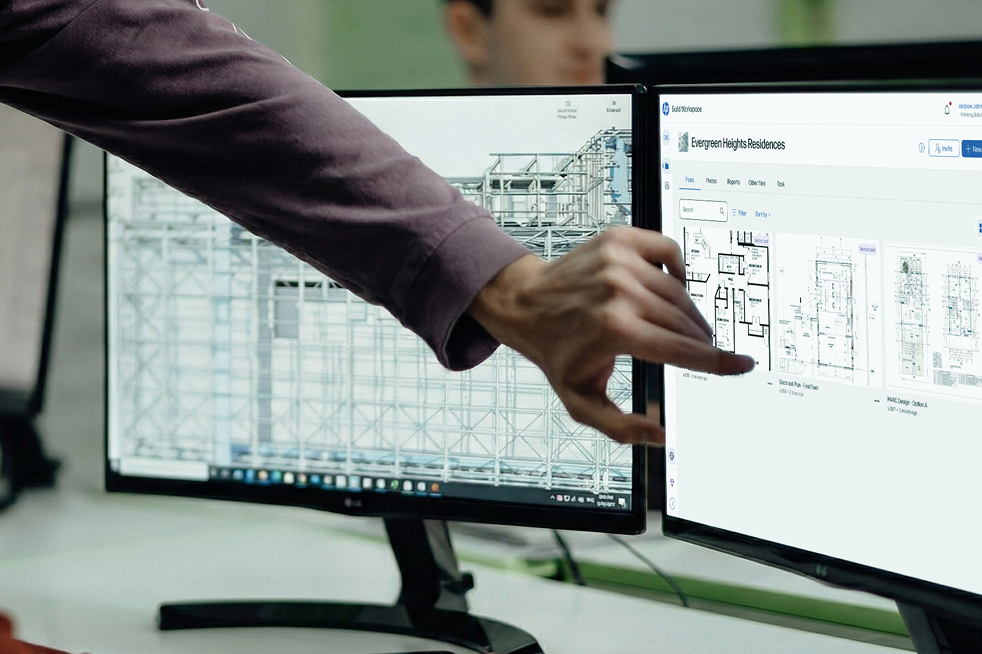
We designed and implemented a Plan Version Control feature for HP Build, a cloud based management platform for constructors and architects (ACs). This feature allows users to upload new versions of drawings, track changes, compare revisions, and approve the latest plan. It reduced errors from outdated documentation and improved collaboration across architects, engineers, and contractors.
Impact
30%
Faster turnaround for issuing and approving revisions.
🗃️
Significant drop in onsite mistakes due to outdated plans.
🤝
Improved trust among project stakeholders: “everyone is working on the same page.”
Context
We know that construction projects involve frequent changes to drawings. With no version control, teams manage files manually through naming conventions, physical plans and shared folders. Here is the architect’s jobs to be done:
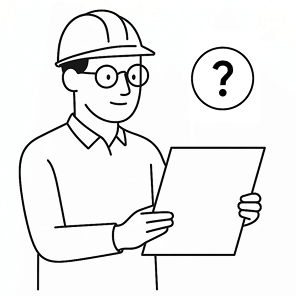
Ensure the drawing is the correct version.
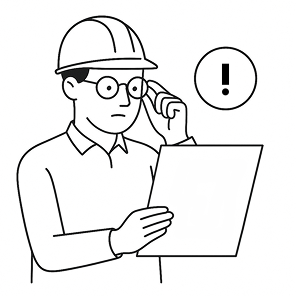
Identify changes and issues quickly and accurately
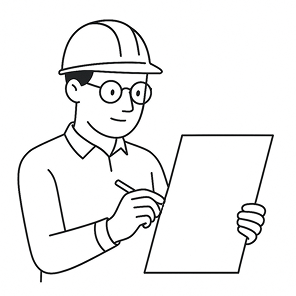
Communicate issues clearly, visually and contextually
Assign responsibility + Ensure recipients knows what to do
Keep traceability of decisions and changes + ensure issues are resolved
This cause confusion about which plan is the latest, create errors onsite, and made it hard to track accountability for changes. But is there any opportunity for us to solve that problem?
Solution explore
The principal design challenge was to translate the context from the review box that architects use to track changes in their drawings, to something easily scanable, data-rich and scalable.
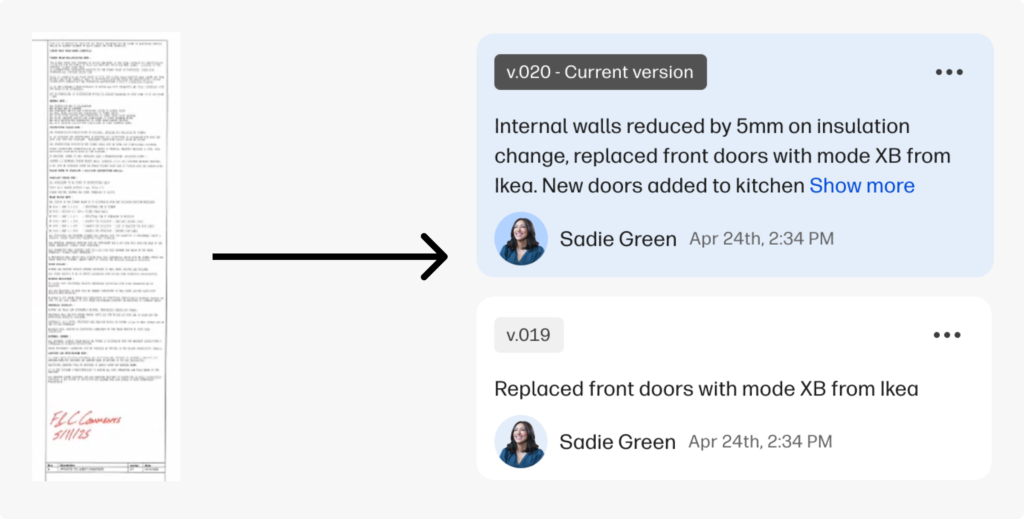
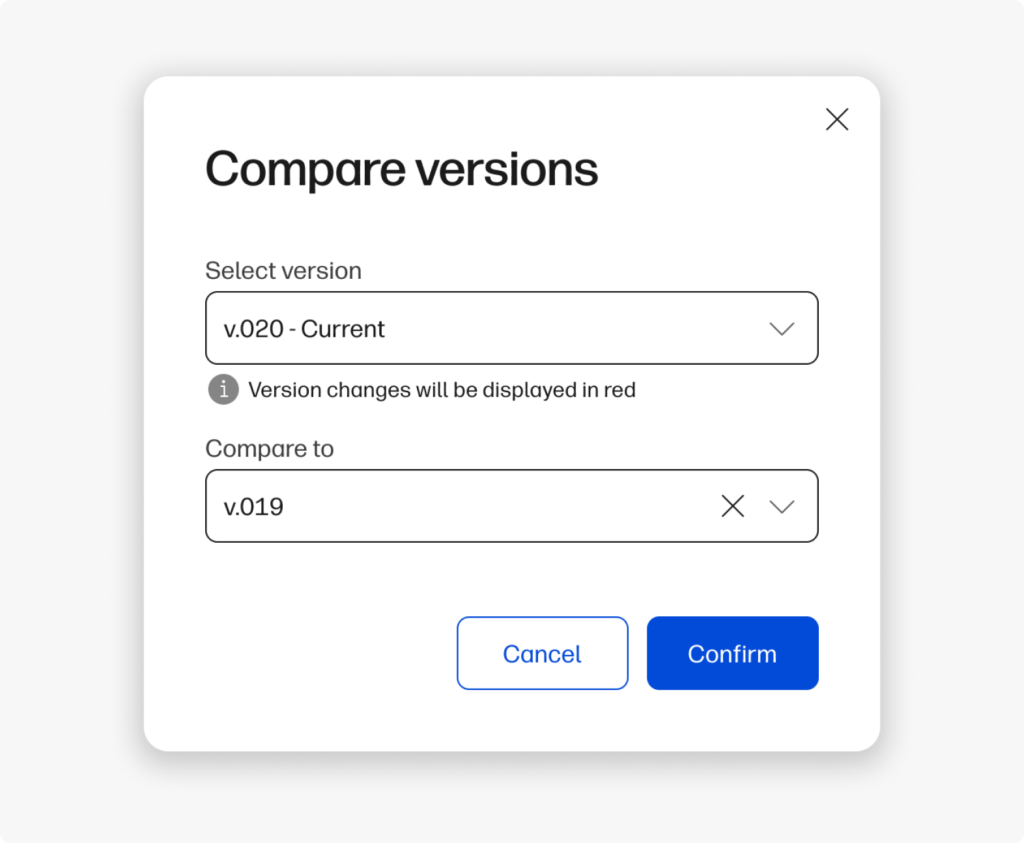
Then we provided a drawing comparison prototype to see how users are managing differences in drawings, and how they expect to communicate decisions and design changes.
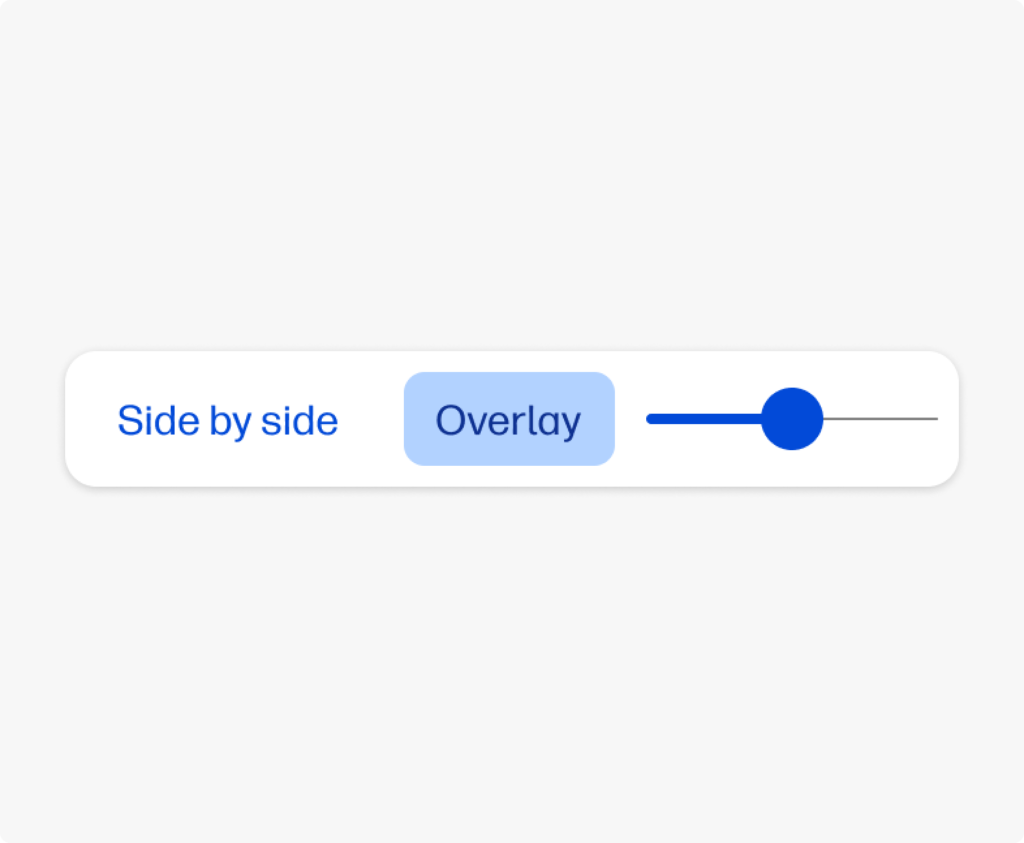
Also, we wanted to understand what preferences does user have when they need to compare two different files, in order to detect differences in the most efficient way.
Research
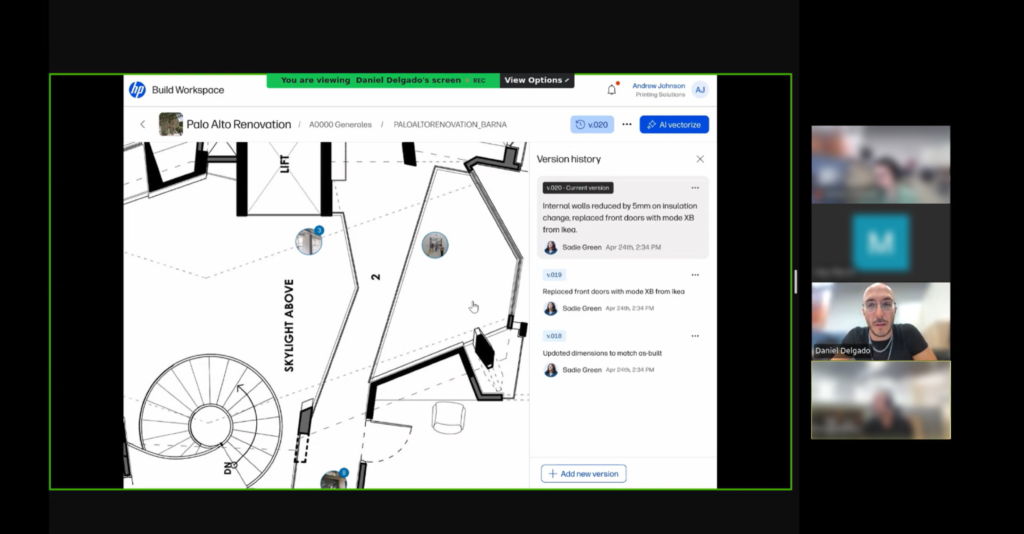
We conducted user interviews with ACs. Our goals were:
- Validate if A/Cs perceive value in managing and collaborating on always updated drawings.
- Show a first design stimuli, checking that they understand our approach of version control use as a central part of the flow and how they would use it.
Key takeaways
Both Architects and Constructors state the drawing is the nexus of a project. Architects needs markup and collab features, while constructors needs pins and task control, yet they both agree that version comparing is a must.
1. The platform must be easy to use
Professionals are hesitant to adopt complex new systems that require extensive training. They need for a simple, intuitive, and highly visual interface:
“I think would be very beneficial on the client end because I think it… doesn’t seem like you have to be in our industry to understand what’s happening or how to use this.”
2. Communication is at the heart of any construction project, but traditional methods are often inefficient
The users emphasize the desire for tools that streamline communication, automate reminders, and allow for quick, direct collaboration:
We like to communicate quickly, and usually it’s just a team’s message: ‘Yep, okay, blah, blah, blah, do this,’and that’s it. It clicks!
3. Projects change constantly, and it’s critical for all stakeholders to be working from the most current set of drawings and plans
Users highlight the need for a reliable system that tracks changes, prevents costly mistakes, and ensures everyone is using the correct documents:
“If you could… drag [the drawings] one to one side and one to the other… so you can see what has actually changed.”
Opportunities and Action Items
1. Version control is a common pain for all users
We are validating the gap of a centralized versioning system throughout the project: while architects look for a simpler alternative to complex tools like Bluebeam, builders need practical control and traceability adapted to the work.
2. Enhance communication capabilities to foster communication
All users experienced communication problems in different phases of the projects, that beign a major pain and potential economical loss.
3. Our information architecture ure approach fits the user mental model
Users expected to see and interact in the same way we thought they would.
Final solution
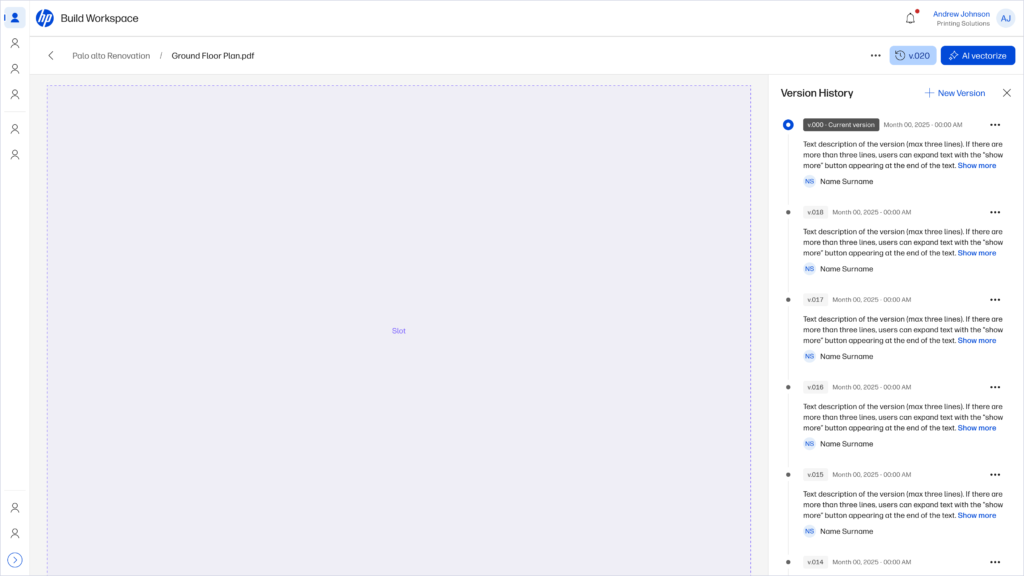
Collaborating with the design system team, we adapted the design to comply with the system guidelines and improve accessibility and information hierarchy.
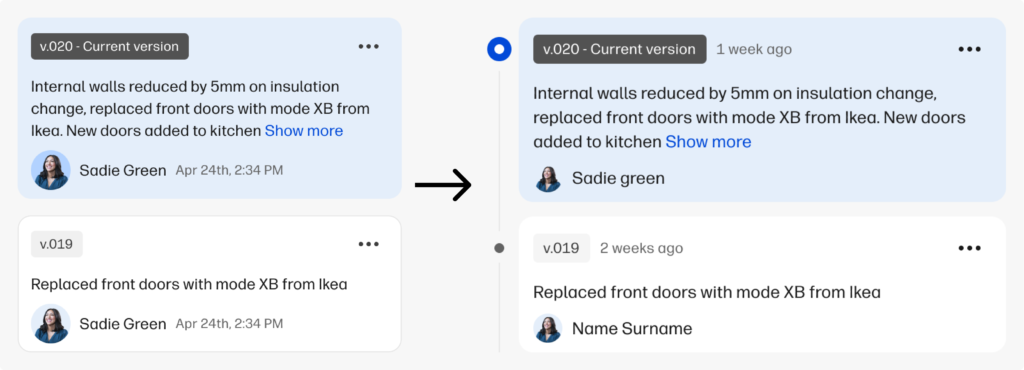
We also standardized the versioning pattern in the design system for other products
To wrap up
What went well
We managed to offer a solution to a common problem in a daily task for architects and constructors.
We made a significant contribution to the design system by standardizing a component that can be applied to different products.
What could been better
The urgent distracted us from the important, and made us focus resources on different product features more aligned with the business but less aligned with the daily-basis issues of our users.
We understood that we need to map and address other user challenges earlier so we can bring value to the users in a more efficient way.